
Browse the internet safely on any device.
SPIN Safe Browser automatically blocks “bad stuff” like adult content and keeps your search results clean. No setup or extra logins needed.
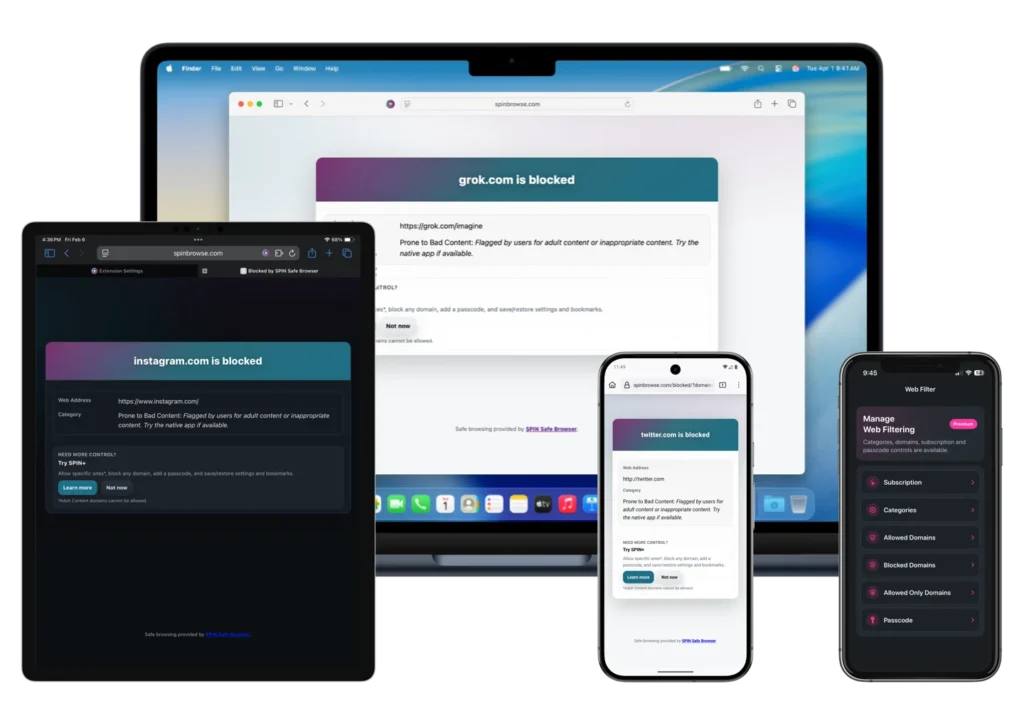
Over 1.5 million people trust SPIN to keep their internet safe.
One browser for everything you do.
For Your Phone and Tablet
Safe browsing for Android and iOS that works on any network. Block adult content and keep your search results clean on the go.


For Your Computer
Extension support for Chrome, Safari, and Firefox. Protect your Chromebook or PC with our flexible browser tools.



For Your School or Business
A managed safe browser for iPads that works with your own MDM. Easily filter web content without needing a VPN or extra hardware.
Why SPIN is different
Most filters only block websites that are 100% bad. But the internet has a “Grey Area”—websites that are usually fine but often contain hidden inappropriate content. SPIN is built to find and block those specific pages so you stay safe everywhere.
 Automatic Safe Search: We force Google, Bing, and DuckDuckGo to stay in “Strict Mode” so inappropriate images never show up.
 No Incognito Mode: We removed “Private Browsing” so there are no hidden corners of the internet.
 The “Grey Area” Filter: Our unique tech blocks sites that are usually okay but often contain hidden bad content.
 Network Independent: Whether you are on home Wi-Fi, school Wi-Fi, or LTE, the protection stays on.
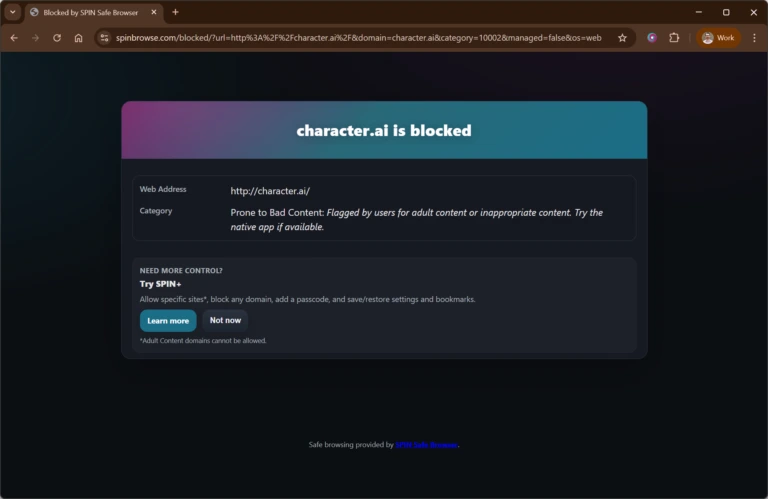
Want More Control? Upgrade to SPIN+
Subscribe to SPIN+ to bring additional flexibility to your safe browsing experience with these features across all of our versions of SPIN Safe Browser. Monthly and Yearly subscriptions offered. Pricing is listed on the App Store and Google Play stores as in-app subscriptions options which all include a trial period.
Allow Specific Sites
Restrict access to specific websites only; everything else is blocked.
Block Specific Sites
Block any specific websites that distracts you.
Content Categories
Enable additional content categories to filter out content.
Passcode Protection
Lock your settings so only you (or a parent) can change the filter.
Built for easy deployment
For IT Pros managing iPads in schools or businesses
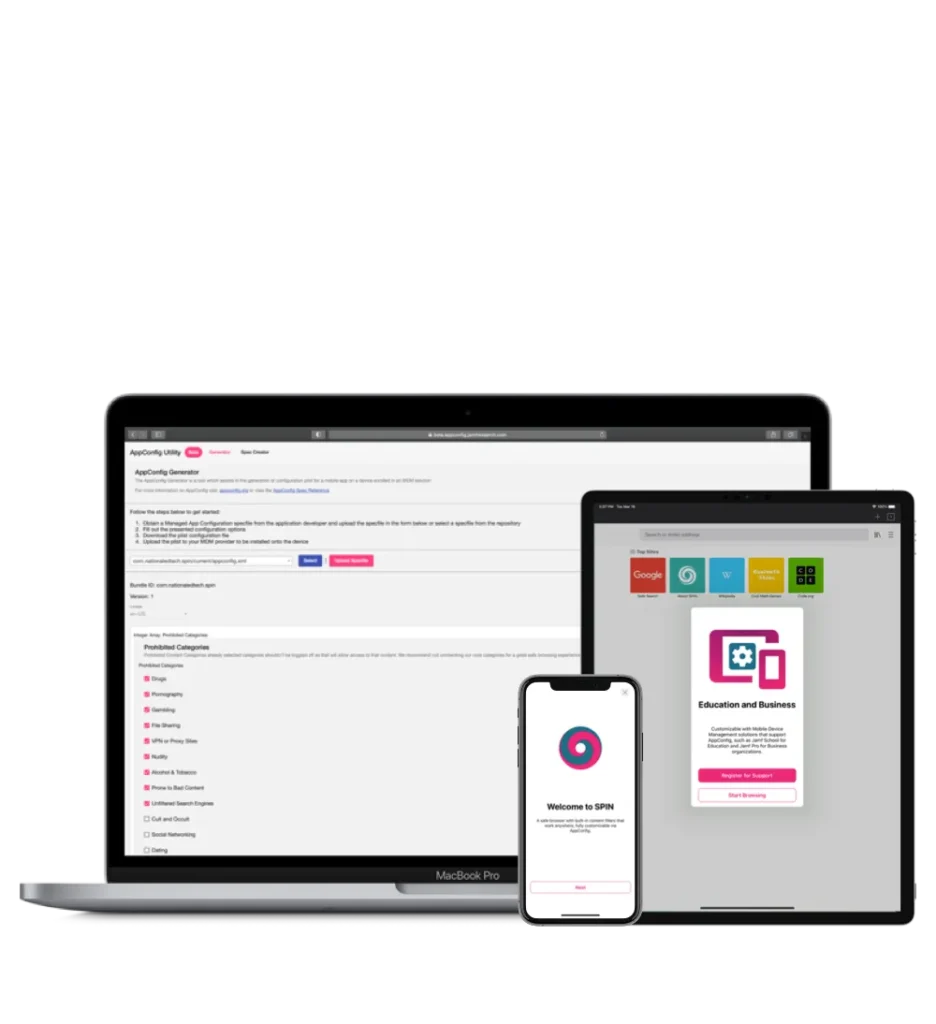
SPIN Safe Browser Enterprise is built for iPadOS and iOS devices in managed environments:
 Zero Configuration: Just push the app via your MDM (like Jamf or Intune).
AppConfig Ready: Use your existing management tools to set bookmarks and homepages.
No VPN Required: Save battery life and reduce network lag by filtering directly in the browser.
Purchase via Apple School Manager or Apple Business Manager.
Safe Search Results Strongly Enforced
SPIN Safe Browser automatically enforces safe search and image results in the following popular search engines: Google, DuckDuckGo, Ecosia, Bing.
SafeSearch filtered results available for the following platforms, included enforced Restricted Mode on Youtube.com




Safe Browsing Tips
Check out a few tips on how to make your SPIN Safe Browser experience better.
Highly Rated and Loved by Users
SPIN Browser is definitely the best solution for letting your kids surf the web freely on Android. I tried them all and this is the most simple and effective solution.
This is a brilliant app which is excellent at blocking inappropriate content.
Personally I think I like it better than Google.
Really perfect. The best browser with the best filtering. It is really safe to use. It is the best browser I’ve ever had and is build upon Firefox, which gives you a way better experience than Chrome on mobile.
Ready to get started? Download SPIN Safe Browser today.
Additional ways to customize SPIN Safe Browser
More ways to customize your SPIN Safe Browser experience: